Funky Frog Pond
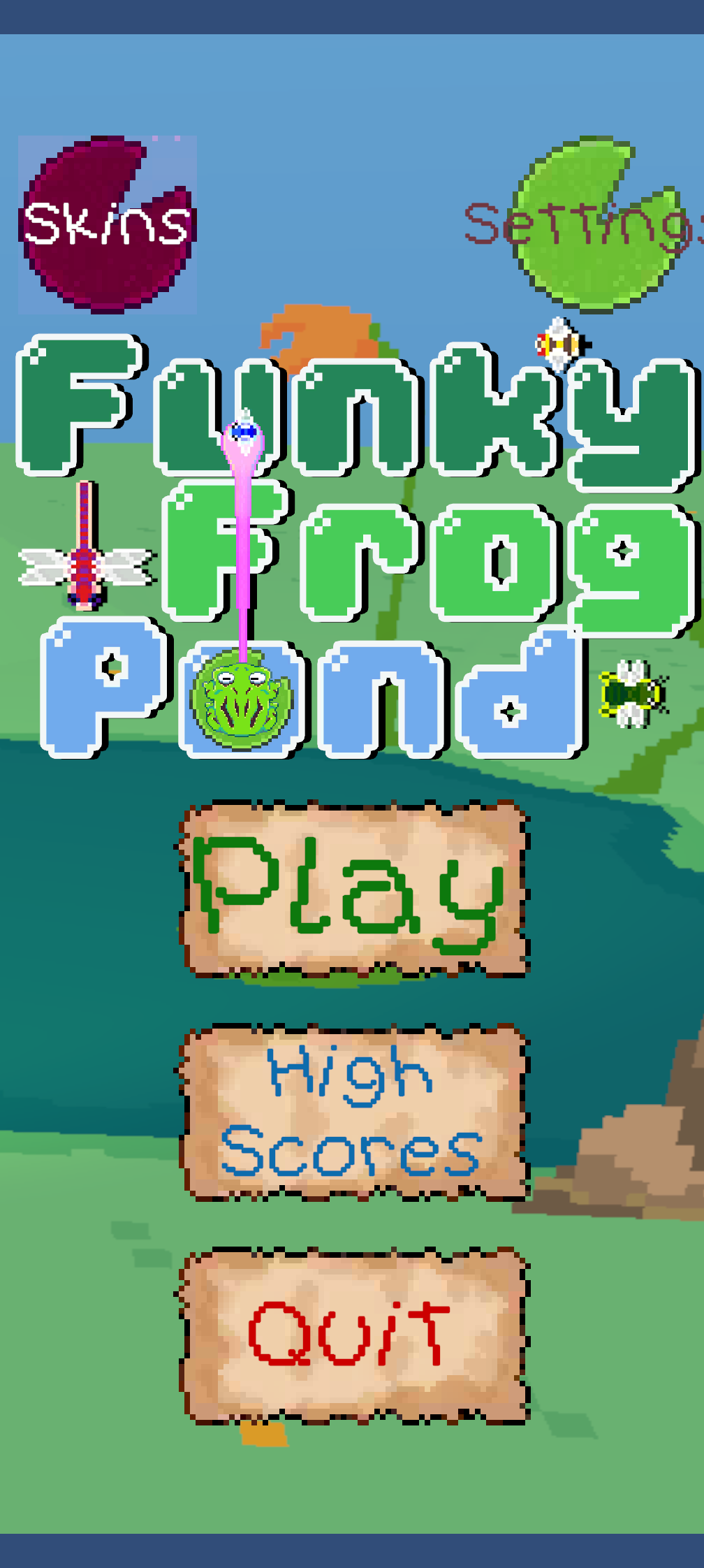
A hypercasual game where you're a frog in a pond, timing your tongue to catch bugs before a dragonfly boss shows up. Five of us made it in Unity. I managed the project, built the skin menu and made the Android build.
- Role
- Project manager, plus the skin menu and Android build
- Team
- 5 people
- When
- Fall 2025
- Course
- Game Theory and Culture 3 (GDDV300), Game Development, Centennial College
- Requirements
- A free-to-play hypercasual game, picked from the team's individual pitches
- Engine
- Unity
- Tools
- Codecks, Slack, Discord
- Platforms
- Windows, Android
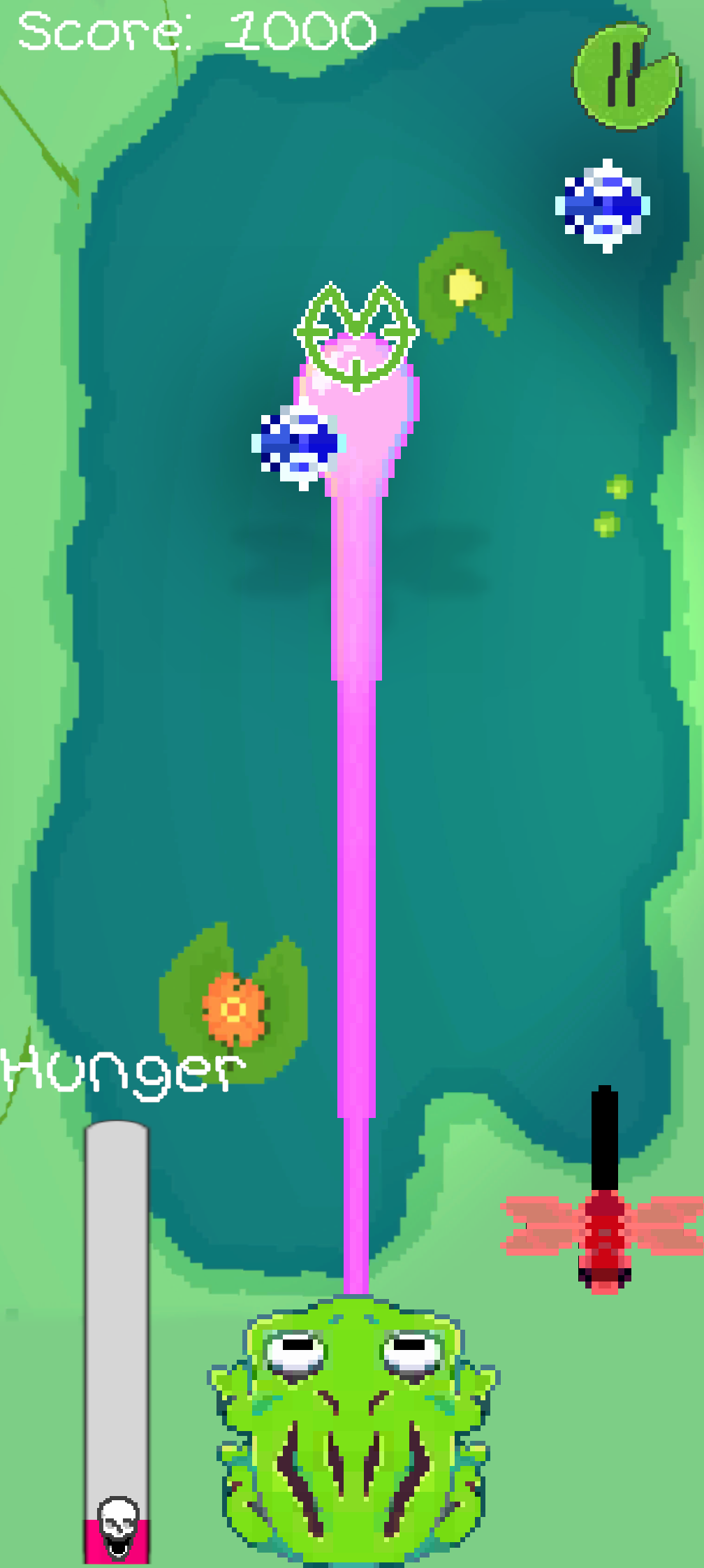
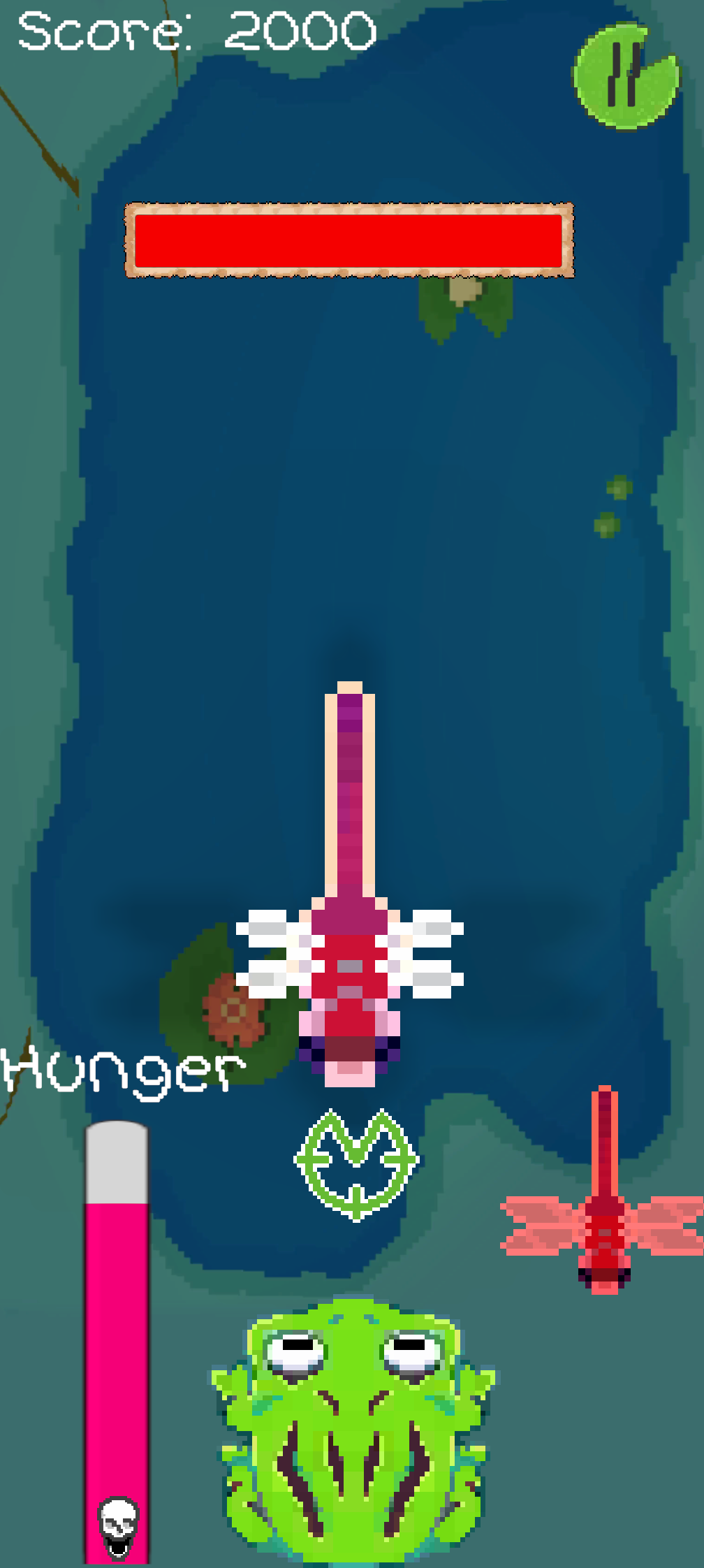
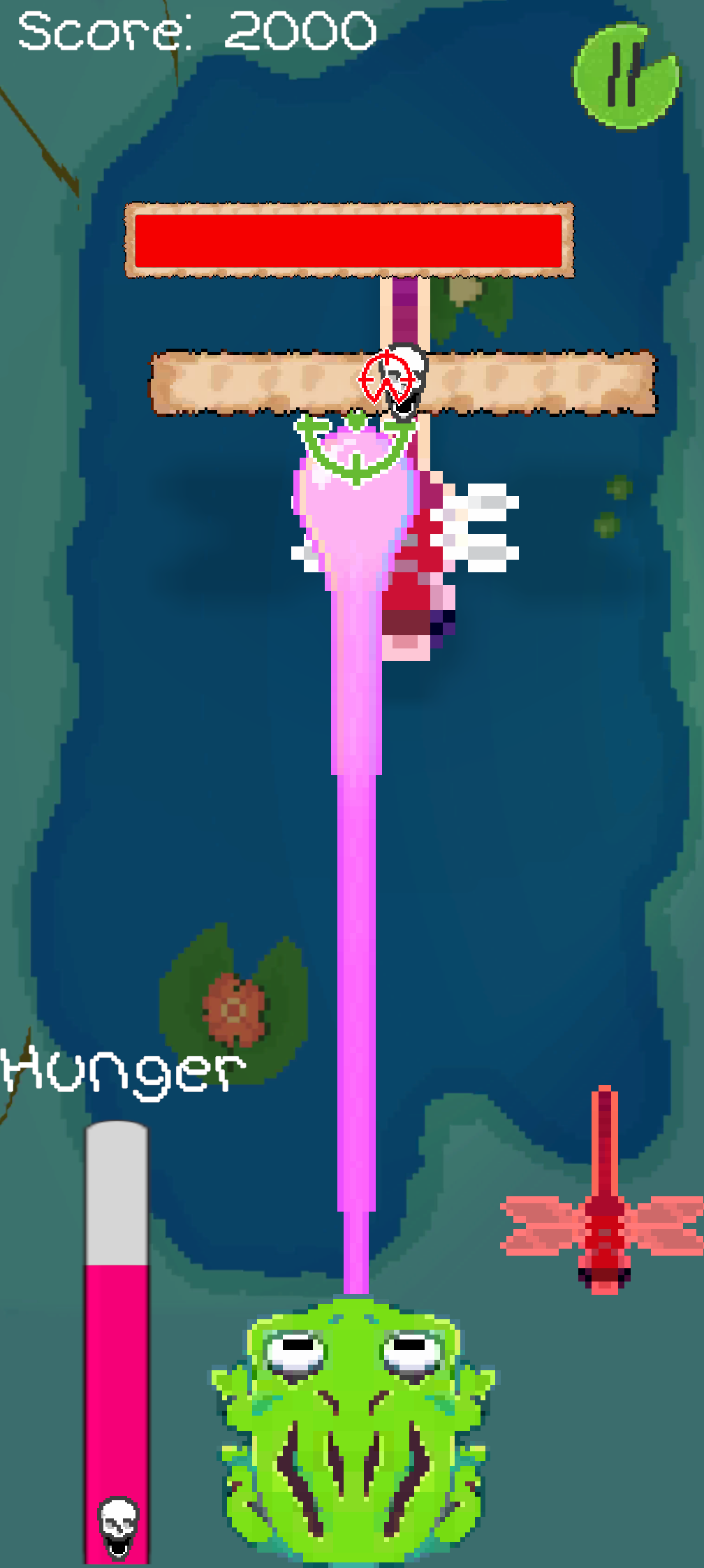
- Everyone on the team pitched their own hypercasual game. We picked another team member's because it was the simplest to make with everything else we had on the go.
- Managed the project in Codecks, including a deck of our instructor's feedback that we picked from based on scope.
- Built and hooked up the scrolling skin menu on top of a framework Jyden set up for me.
- Made the Android build myself, because I wanted to learn how.
- Finished with three bug types and a dragonfly boss you fight again at the end of each level.
The project
The assignment was a free-to-play hypercasual game. Everyone designed their own first, then the group picked one to build together. Funky Frog Pond won.
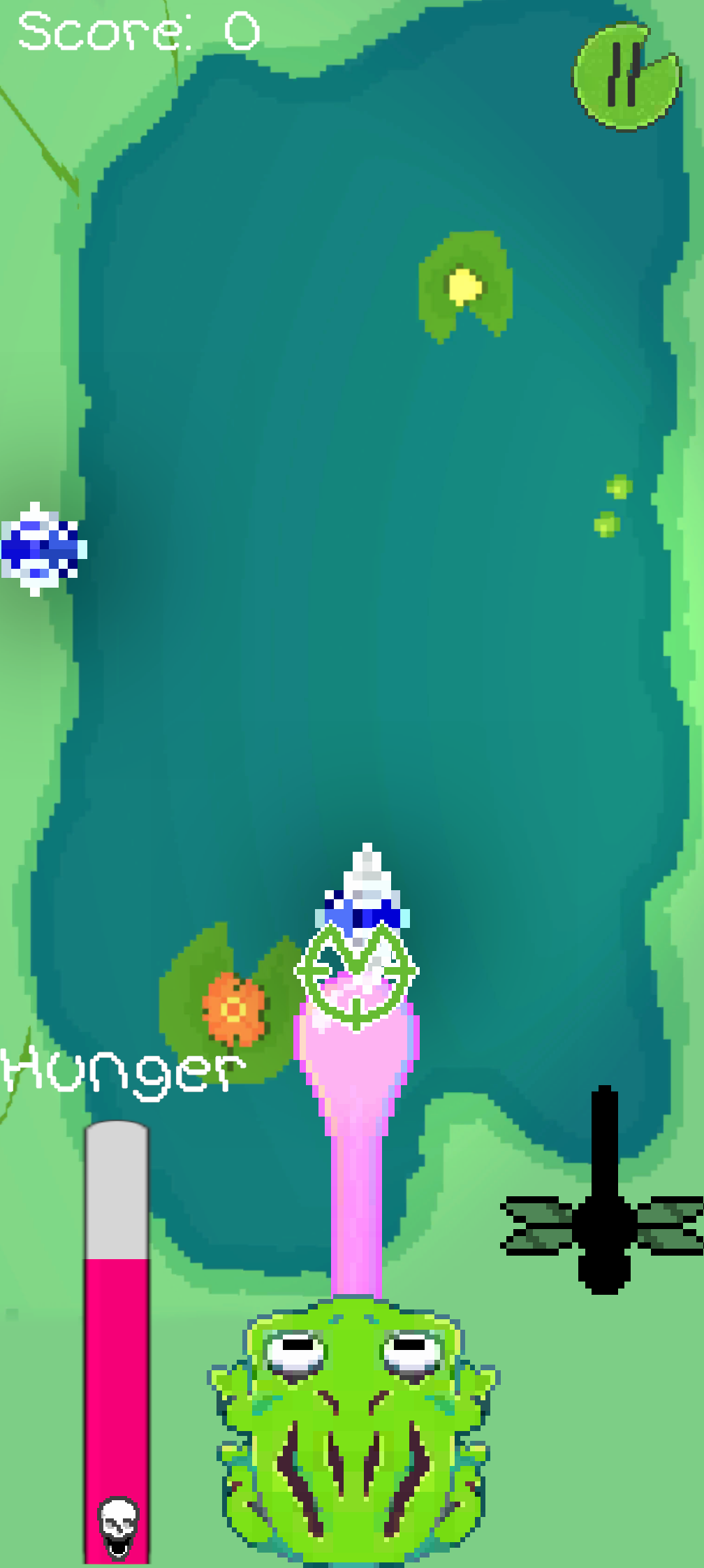
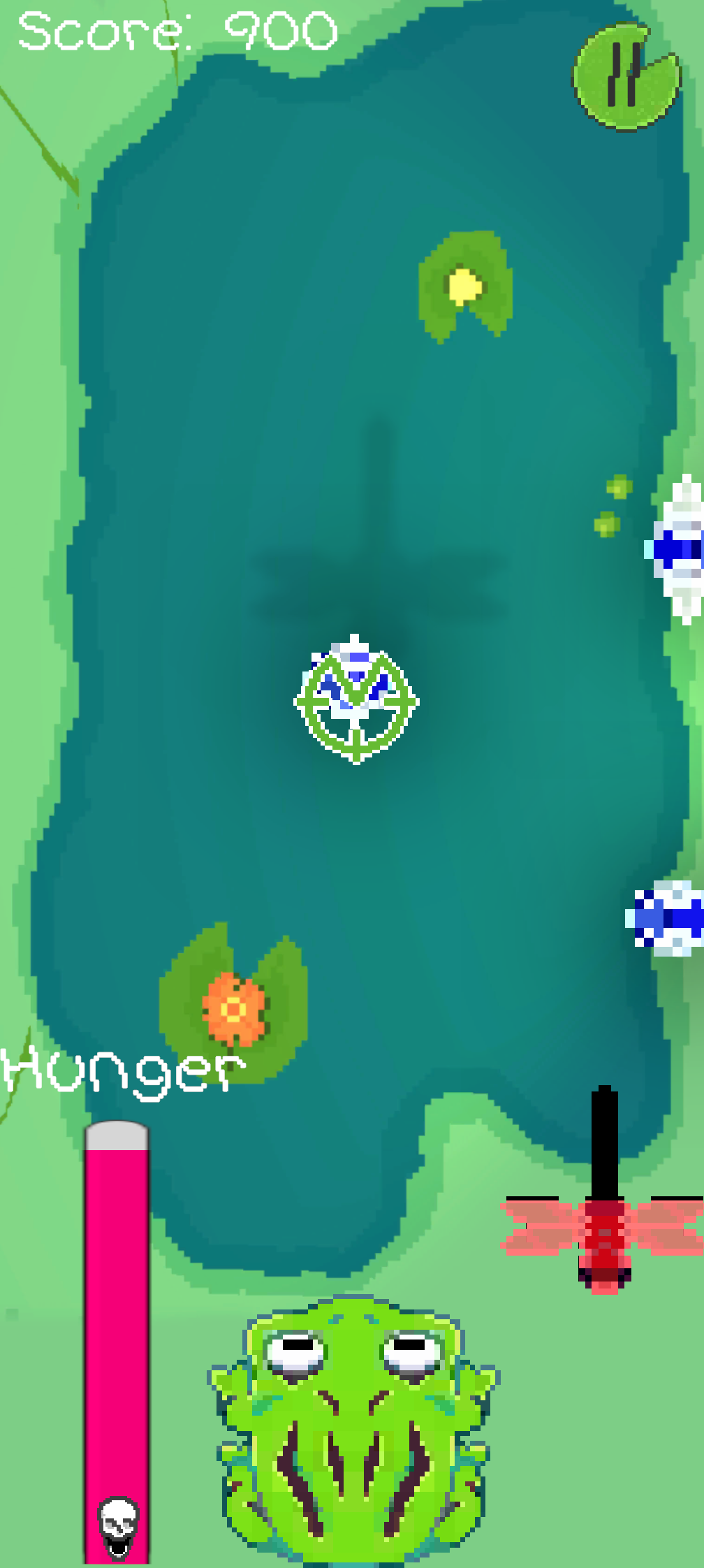
You play a frog sitting at the bottom of a pond. Press and hold to move the aim cursor, then let go and the tongue shoots straight out to that spot. If it doesn't catch anything, it comes back slower as a penalty. Catch enough bugs and the boss shows up. Beat it, and the next level adds a new bug before you fight the boss again.
What I owned
- Project management. I once again managed the project, and tracked our tasks in Codecks.
- The skin menu. I built and hooked up the scrolling skin menu. Jyden made sure the framework was there for me to work with and easily hook into.
- The Android build. The game was fully playable on PC, but I made the phone build because I wanted to learn how to do it, especially for such a simple project.
How we worked
Same five people as our practicum team. Jyden programmed, our artist did the character art, Connor did UI and audio, and Lisa did the background art. We all pitched in on ideas and iterations, as long as Jyden was okay to put it together.
Once the core was made based on the idea, we iterated based on our instructor's feedback. He gave a lot of ideas, we wrote them down in their own deck in Codecks, and picked what we could within the scope. There were no formal playtests for this one, although we did make our friends and family play it a bunch.
One hard decision
Picking which pitch to build. Mine was Castaway Camp, a survival game where you walk around an island, trees chop automatically, and you bring the wood back to build up your camp and rescue other castaways. Still hypercasual, but a lot more work.
We chose this pitch because it would be the simplest we could make in the amount of time we had, with six other classes and their projects on the go. No harm, no foul. Purely pragmatic.
Outcome
- A finished game that runs on PC and Android.
- Three bug types: flies, grasshoppers and bees, plus the dragonfly boss.
- A working skin menu, a hunger bar, and a boss you fight again at the end of every level.
What I'd do differently
I would have spent more time learning how to make sure the game fits more screens, especially with the mobile build we chose to go with. It looks fine in vertical 1920x1080, but phone screens are so much wider these days that it ends up not filling the screen on most, and buttons overlap other assets. Works fine on Jyden's Samsung, but not on my Pixel 8 Pro.
It's not something they ever taught us in the program like I was expecting. I suppose they're more about the game, and you're supposed to figure out the rest of the screen space problems on your own.
My pitch: Castaway Camp
At the time I just happened to be playing a lot of mobile games, and I kept getting those ads where you walk around and the trees auto chop, you take the wood to an area and it builds a fort, then the polar bears come and attack your walls and you have to kill them for meat, then you sell the meat and spend the money on upgrades for your base, and you just go from there.
Castaway Camp was my take on that. You're stranded on an island in the Bermuda Triangle. You walk near trees to gather wood, bring it back to camp to build, and find other survivors who help automate the work. There's no fail state. The camp just slows down if you run out of storage or food. The biggest challenge on this project ended up being scope for the smaller timeline, and as you can probably tell from my pitch, I had a much bigger idea planned.
The bugs and the boss
- Flies are the basic bug.
- Grasshoppers come in and pause in the middle before zooming off, and they're worth more points if you can catch them.
- Bees poison you.
- The dragonfly boss takes multiple hits to beat, and its movement is completely erratic and random. When you land a hit, an extra quick-time bar pops up. We all just came to the idea of adding a boss together.
Picking from the feedback
Our instructor gave a lot of ideas, so we made a Codecks deck just for his feedback. The ones we got done were tapering the bottom of the tongue into one asset, staggering how new enemies get introduced, showing your progress toward the boss, and adding a boss intro. A control toggle, moving the hunger bar and catching multiple bugs on the way back were pushed down the list to fit the scope.
Building it for phones
The brief said PC, and the game was fully playable there. I made the phone build because I wanted to learn how to do it, and a project this simple was a good one to learn on. Everyone agreed a phone felt like the easiest place for a hypercasual game anyway.